- Published on
Is Your Resume Going Into a 'Black Hole'? How to Beat the ATS Robots
Is Your Resume Going Into a 'Black Hole'? How to Beat the ATS Robots
You found the perfect job. You meet all the qualifications. You craft a beautiful, custom-designed resume, hit "submit," and... nothing. Days turn into weeks. You apply again, and again. Silence.
This is a frustratingly common experience for job seekers in Macau and around the world. It feels like your applications are vanishing into a digital "black hole."
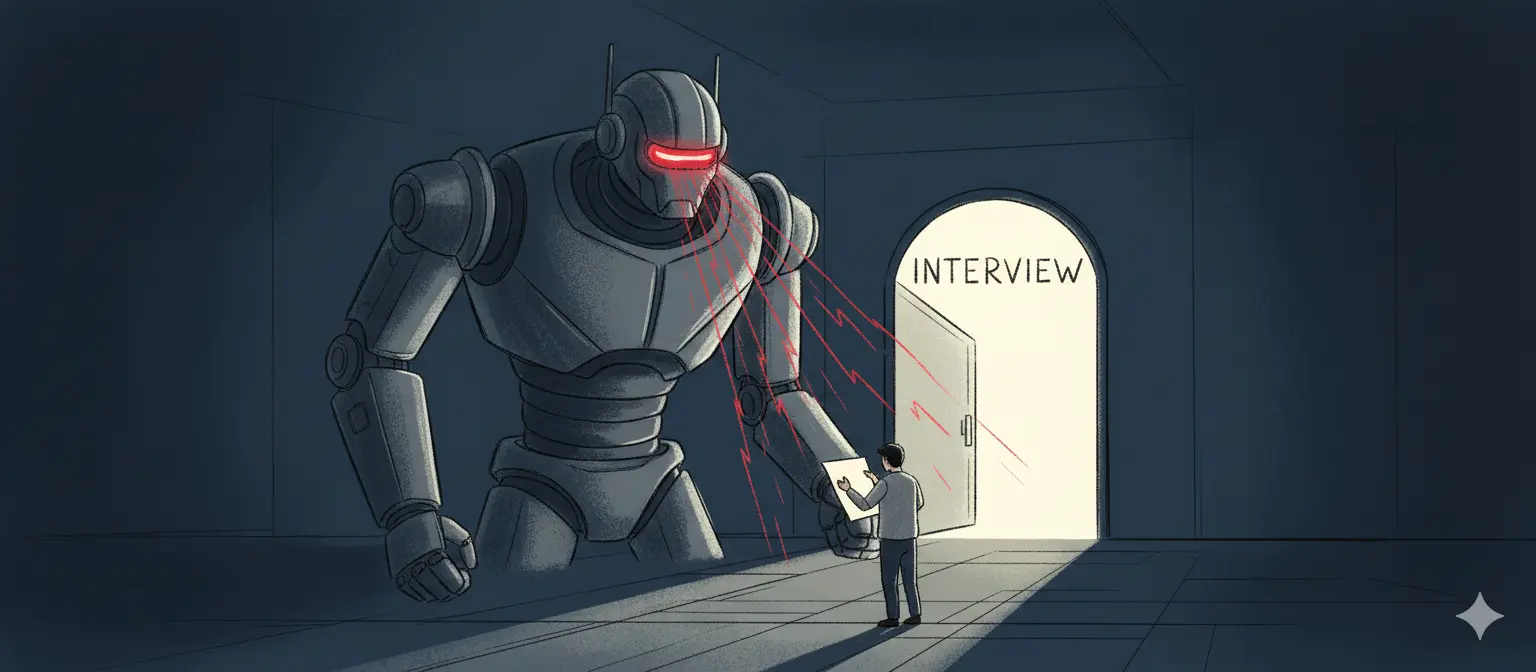
Here's the truth: Your resume's first reader probably isn't a person. It's a machine.
Welcome to the world of the Applicant Tracking System (ATS). The gap between your qualifications and the lack of interviews isn't about your experience; it's often about "machine readability."
What Is an ATS and Why Does It Hate Your Resume?
An Applicant Tracking System (ATS) is software used by companies to manage the hiring process. Its primary job is to scan, sort, and rank the hundreds (or thousands) of resumes they receive for a single posting.
Its job is to "parse" your resume by extracting text and sorting it into categories: contact info, work experience, skills, education, etc.. It then ranks you by how well your resume's keywords match the job description.
This is the real problem: If your resume uses complex formatting—like tables, columns, graphics, or fancy fonts—the ATS parser gets confused. It might misread your job title, miss your "Skills" section entirely, or fail to extract your work history.
To the recruiter, your profile looks empty or unqualified. Your application is then automatically filtered out before a human ever sees it.
The "Rules" for Building a Robot-Proof Resume
An "ATS-friendly" resume is one designed for maximum machine readability. The goal is clarity over creativity. Here are the core rules to follow.
1. Avoid Complex Layouts at All Costs
This is the most critical rule. While a two-column layout might look clean to a human, it can completely break an ATS parser, which is designed to read left-to-right, top-to-bottom.
- DON'T use columns, tables, or text boxes.
- DON'T put critical information (like contact info or dates) in the header or footer, as some systems are programmed to ignore these sections.
- DON'T use images, icons, or graphics. A "5-star" rating for your skills is unreadable; just write the word "Expert."
2. Use Standard, "Boring" Section Headings
The ATS is programmed to find specific, conventional headings. Don't get creative.
- USE:
Professional Summary,Work Experience,Education,Skills. - AVOID:
My Journey,What I Can Do,Career Milestones.
3. Stick to a Reverse-Chronological Order
List your most recent job first and work backward. This is the format both the ATS and human recruiters expect, making it easy to parse your career progression.
4. Optimize for Keywords (The Smart Way)
The ATS is a matching game. Your resume must contain the keywords the job description is looking for.
- Mirror the Job Description: If the post asks for "Project Management" and "SQL," ensure those exact phrases are in your resume (assuming you have the skills).
- Include Both Acronyms and Full Terms: Write "Master of Business Administration (MBA)" to catch both variations the system might be searching for.
5. Use "Safe" Fonts and a Clean Format
- Use standard fonts like Arial, Calibri, Times New Roman, or Garamond.
- Use standard bullet points (the solid circle or square) to describe your achievements.
- Keep dates in a clear, consistent format (e.g.,
Oct 2023 – Present).
How to Ensure You Pass the Test
It's helpful to think of your resume as having two goals. The first is to pass the machine test. The second is to impress the human. You cannot get to the second stage without passing the first.
Option 1: The Manual Check
Before you apply for your next job, take a moment to look at your resume. Is it designed for a human's eyes, or is it ready for the robot? You can even try copying and pasting your entire resume into a plain text editor (like Notepad). If the result is a jumbled mess of text, that's likely what the ATS is seeing.
Option 2: The Career Copilot Solution
Manually re-formatting your entire CV and tailoring keywords for every single job is exhausting. We know this is the single biggest pain point in the application process.
That's why we built the AI CV Revision Tool.
When you upload your CV to Career Copilot, our AI does more than just match you to jobs. It can analyze your resume and provide AI-driven improvements specifically for ATS compatibility. It helps you:
- Optimize Keywords: Suggests relevant terms based on industry standards.
- Fix Formatting: Helps structure your content for clean, machine-readable parsing.
- Refine Content: Improves your bullet points and summary with AI assistance, with multilingual output.
Don't let a formatting error cost you an interview. Let our AI optimize your CV and ensure you get past the robots and seen by a human.
Further Reading & Resources
This analysis is based on a review of guidance from numerous career services and recruitment technology experts.
- https://www.indeed.com/career-advice/resumes-cover-letters/ats-resume-template
- https://www.indeed.com/career-advice/resumes-cover-letters/ats-resume
- https://www.reddit.com/r/resumes/comments/1fs5d29/how_to_know_for_sure_if_ats_resume_templates_like/
- https://www.jobscan.co/blog/20-ats-friendly-resume-templates/
- https://word.cloud.microsoft/create/en/ats-templates/
- https://careerservices.uic.edu/wp-content/uploads/sites/26/2017/08/Ensure-Your-Resume-Is-Read-ATS.pdf
- https://premium.linkedin.com/content/premium/global/en_us/index/jobsearch/articles/the-easy-how-to-guide-for-formatting-resumes-for-applicant-tracking-systems
- https://create.microsoft.com/en-us/learn/articles/how-to-write-ats-friendly-resume
- https://resumeworded.com/resume-templates
- https://www.canva.com/p/wisscreative/collections/AYv3Dp1Oo-Ewpyjtj32DVw